
[Bug] VectorDrawable icon does not size properly when navigating to existing page
#6,896 opened on Jul 17, 2019
Repository metrics
- Stars
- (5,644 stars)
- PR merge metrics
- (No merged PRs in 30d)
Description
Description
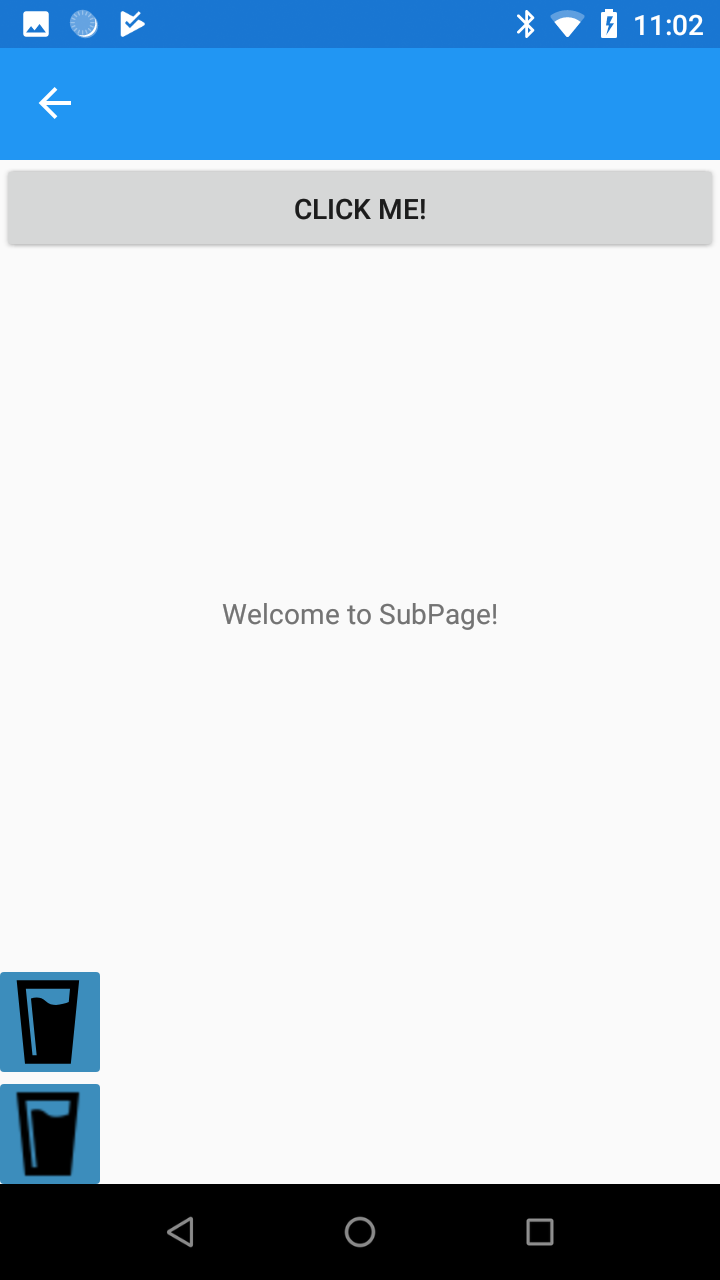
I have noticed that ImageButton icons do get strangely sized when reusing the same Page instance. (Navigating again to the Page instance that stored in parent Page). This happens when using icons on Android that are VectorDrawable icons, but .PNG icons work correctly.
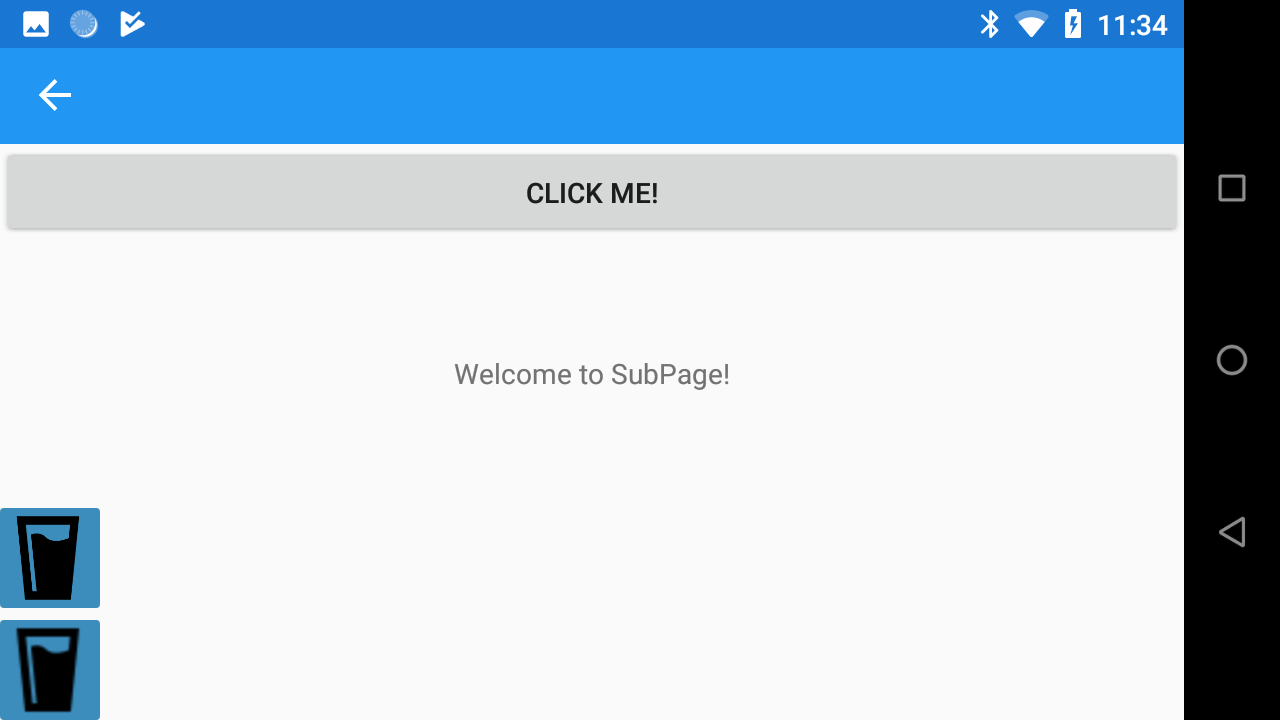
Changing the screen rotation after this issue occurs will result in a correct resizing.
*This is my first time posting here, so any tips for further improvement on bug reports are greatly appreciated :)
Steps to Reproduce
- Launch the application.
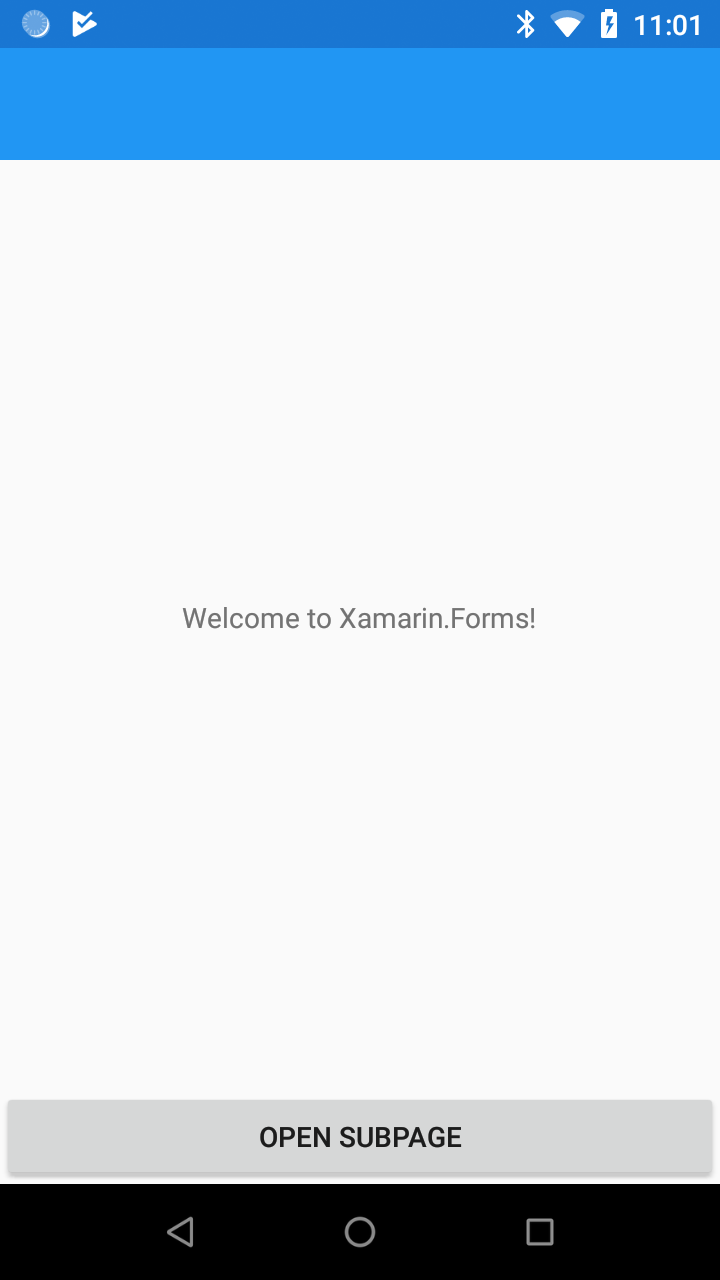
- Navigate to the second page using the "OPEN SUBPAGE" button.
- Navigate back to main page.
- Navigate to the second page again using the "OPEN SUBPAGE" button.
- Change screen orientation.
Expected Behavior
I would expect that both the VectorDrawable and .PNG icons would get sized correctly when subpage is opened for the second time.
Actual Behavior
VectorDrawable icon get sized incorrectly and will overflow the button. The second button that is using a .PNG icon gets sized correctly even on second and all further openings of page. When screen orientation is changes the icon gets resized correctly, but the issue will then occur again on next navigation to the subpage.
Basic Information
- Version with issue: 4.1, latest 4.2-prerelease
- Last known good version: none, since I was not using VectorDrawable before
- IDE: Visual Studio 2019
- Platform Target Frameworks:
- Android: 8.1, 9.0
- Android Support Library Version: v28.0.0.1
- Nuget Packages:
- Affected Devices: I have reproduced the issue on different Android 8.1, 9.0 and 4.4 devices.
Screenshots

Reproduction Link
I have prepared a demo project that shows this issue: GITHUB